Getting Started
Welcome to Sailboatlab! Follow these simple steps to start your journey.
1. Get familiar with Sailboatlab
First of all, get familiar with the Sailboatlab sailboat search and comparison engine. It's free. You will find on our home page a simple guide on how to use use cases, selection criteria, and scoring.
You can also watch our video, which explains the operating principle of Sailboatlab sailboat model comparison.
2. Register
Sign up to save your favorite sailboats and record your model searches. It's still free. You just need to provide us with a valid email address.
Once you have found the models that interest you, save them as favorites. Now it's time to explore the market.

3. Create a Premium account
Navigate to the Premium page or your profile page and buy tokens. Purchasing tokens allows you to obtain Premium status.
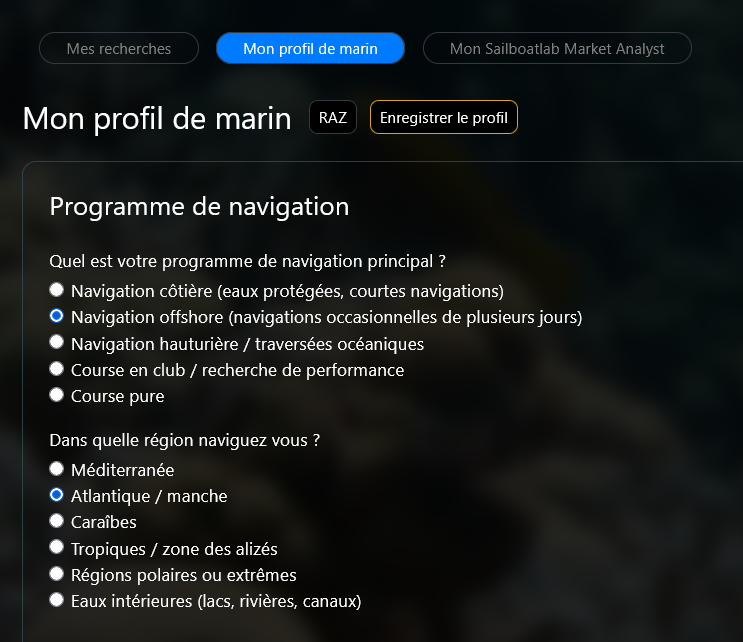
The Premium account allows you to edit your sailor profile, which will condition the analysis of boat ads.
Fill out this profile by answering the questions asked there.
Once your filters are configured, let the AI Market Analyst do the hard work. It will scan multiple marketplaces and provide a detailed report on the best opportunities currently available.
4. Launch your first scan
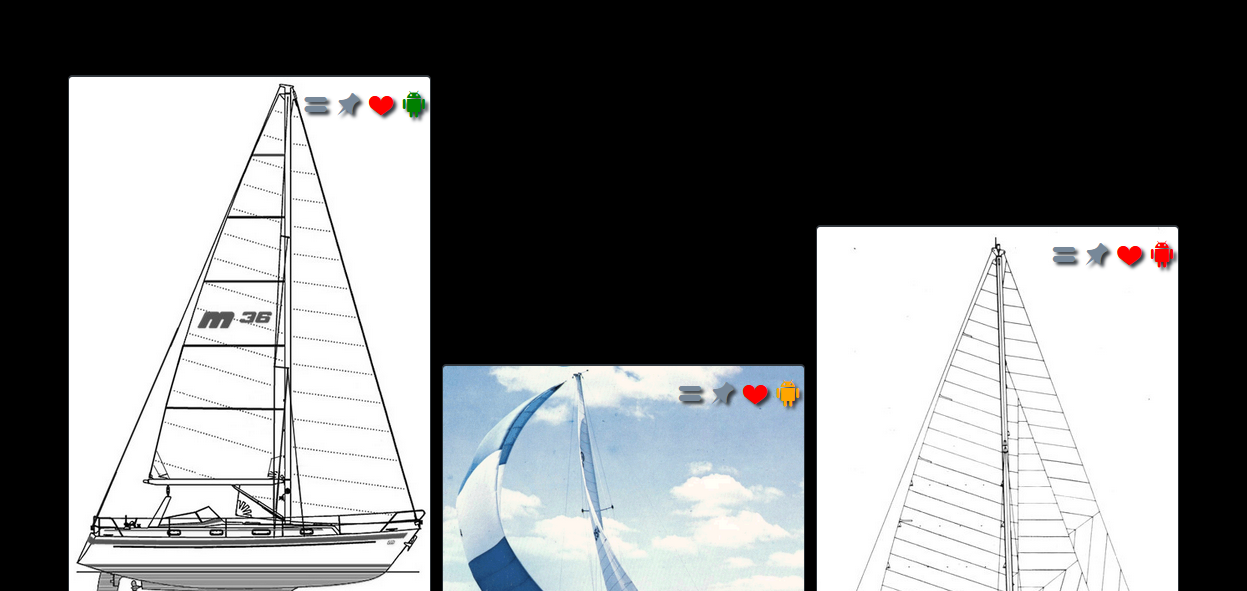
Launch your first scan by clicking the icon found on the thumbnail of the model you want ads for.
Processing takes a few minutes to collect and analyze the ads. During this time you can continue to use the application. When the operation is finished, a notification appears.
The color of the icon depends on the search status:
: search in progress
: search completed - ads found
: search completed - no ads
5. Explore the ads
Visit the My ads page to view the list of ads found. This page works the same way as the models page.
You can use the Sailboatlab filtering, sorting, and search functions there.
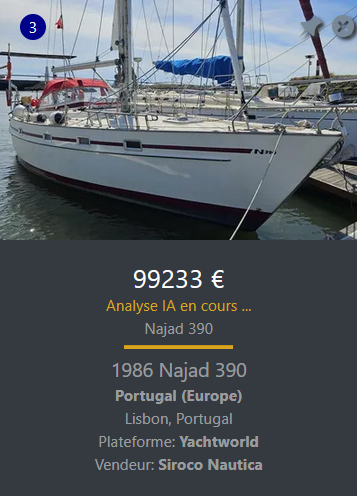
Each ad is represented by a thumbnail and described by a boat sheet. The number in the top left represents the number of occurrences of this ad found on different sites.
In the top right, a pin allows you to pin the ad to the top of the list and an icon allows you to blacklist the ad, making it invisible.
Ads also appear on the sailboat model sheet.